![Eat App Logo - Small.png]](https://restaurant.eatapp.co/hs-fs/hubfs/Eat%20App%20Logo%20-%20Small.png?height=40&name=Eat%20App%20Logo%20-%20Small.png)
How do I take pre-payments on Eat App?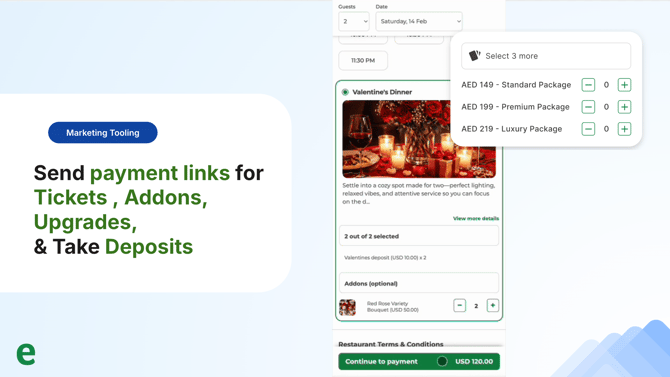
Pre-payments are payments added to reservations either as a deposit for the booking or to pre-pay for the reservation outright - for example a set menu, a cabana or particular area of your venue.
Benefits of Pre-Payments
Reduce no shows by taking depositsAdd a credit card authorization to the booking flow. Deposits are help on the guests credit card and sent back to the guest after they arrive at the restaurants. If they no-show then their card is charged the deposit amount.
Take deposits or pre-sell by packages and seating preference
Don't limit yourself to just deposits on all reservations. Set up pre-payments by areas of the restaurant, packages like brunch, fixed menus or events or you can even sell addons for events and special occasions.
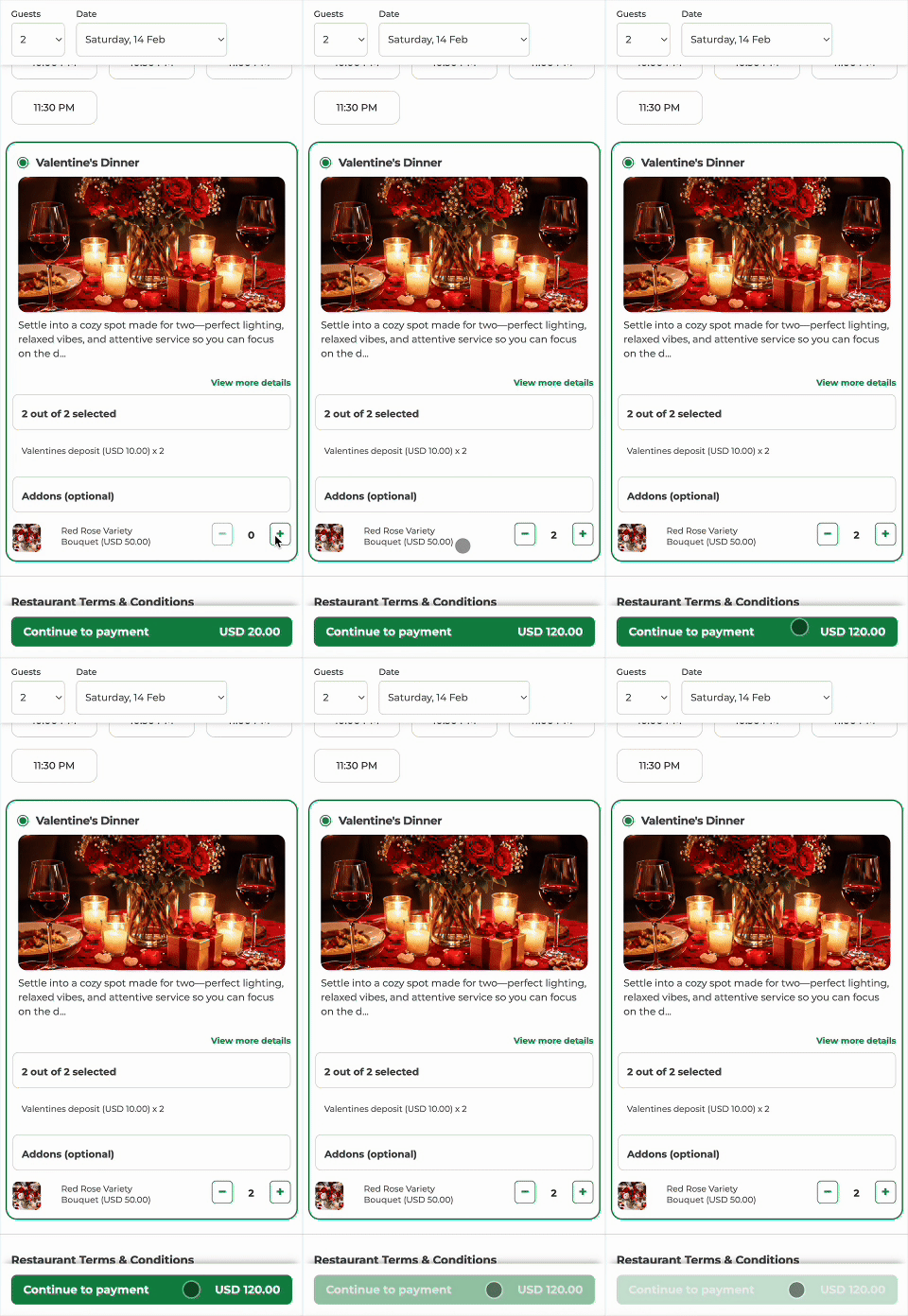
Example: Its valentines day, and you need to take deposits for your different seating areas, as well as upsell flowers. Here's how that might look like:
Paid straight to you via your Payment provider
Eat App doesn't hold your payments. We dont slow things down by being a middle man. Eat App connects directly with 30+ payment providers, which includes and is not limited to:
& many more