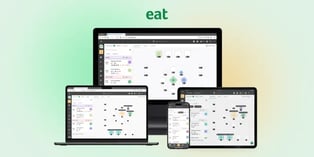











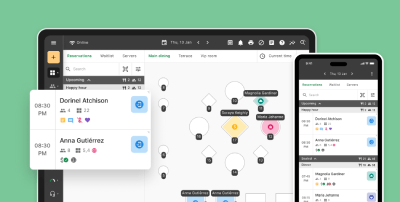

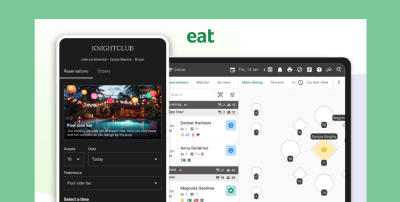


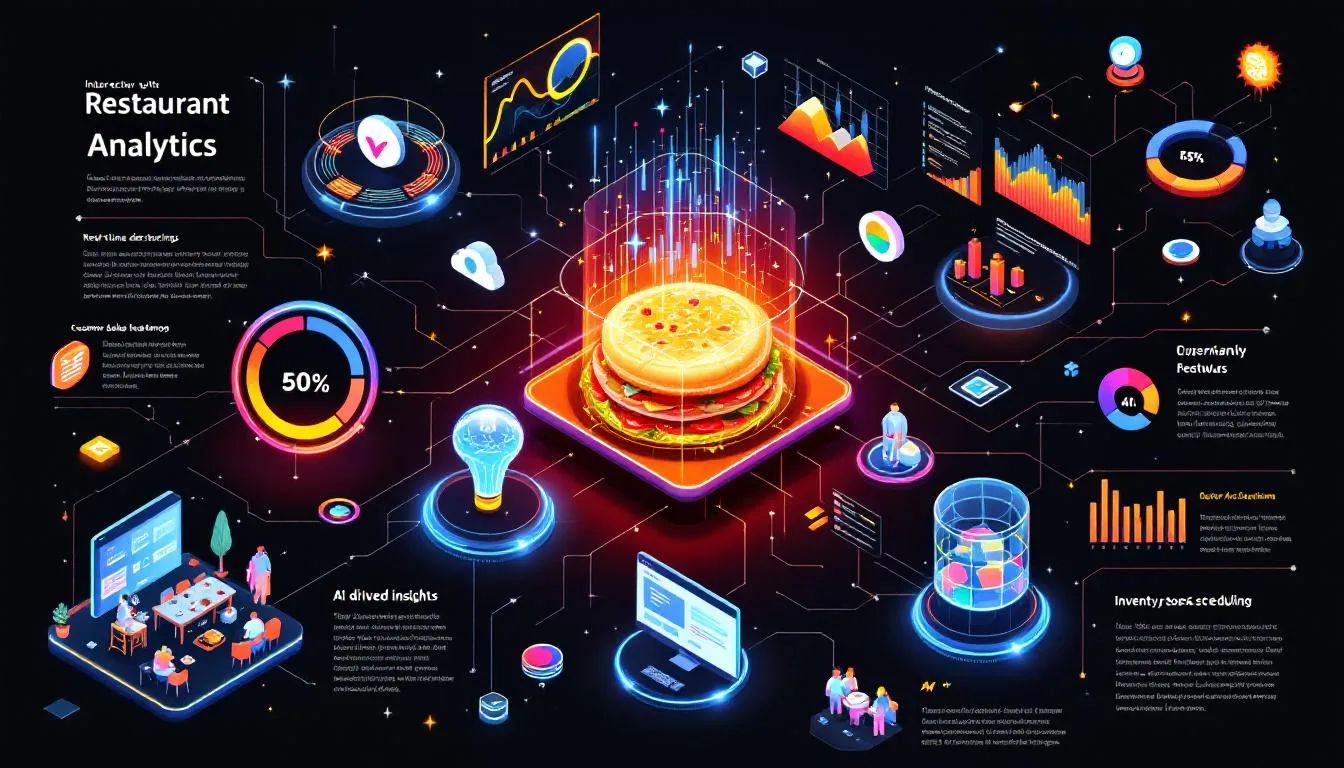
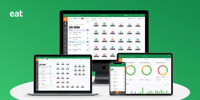












Restaurant analytics software turns the data your restaurant already produces, such as bookings, sales, labour, inventory and guest history, into reports you can act on. The best tools pull from your POS and reservation system, so you can see what drives covers, spend and repeat visits in one place.
Our top 3 picks:
- Eat App for reservation and guest analytics, with free and flat-rate plans.
- Toast for sales and menu reporting that lives inside your POS.
- Restaurant365 for accounting-led reporting across food cost, labour and inventory.
Prices checked: November 10, 2026, against each vendor's published pricing where available.
Restaurant analytics software compared: 8 tools at a glance

Navigating restaurant business intelligence software can be daunting, so here is the shortlist side by side. Each tool is covered in detail below, in the same order.
| Tool | Data sources | Key reports | Pricing (Nov 2026) | Best for |
|---|---|---|---|---|
| 1. Eat App ★ | Reservations, guest CRM, POS, booking channels, staff tools | Bookings by hour, source and server; guest retention and spend; no-shows; revenue by source; event performance | $0–$389/month; Free plan covers 100 covers a month | Reservation and guest analytics |
| 2. Restroworks RestroBI | Own POS, inventory, online ordering and delivery platforms | 200+ report types, real-time sales, multi-outlet views | Contact vendor | Enterprise chains and cloud kitchens |
| 3. Toast | Toast POS, online ordering, payments | Sales trends, menu item performance, operational metrics | Starter Kit $0; Point of Sale from $69/month (eligible new customers); hardware and processing extra | Small businesses wanting POS reporting |
| 4. Restaurant365 | POS, accounting, inventory, payroll | Financial statements, food cost, inventory counts, labour | From $499/month (Essential), $749 (Professional), per Capterra | All-in-one, accounting-led operations |
| 5. Tock | Reservations, ticket sales, prepayments | Ticketed event and prepaid booking reports | Not published | Unique dining experiences |
| 6. Oracle Simphony | Cloud POS, Oracle Opera PMS, third-party systems | Multi-site sales and inventory reporting | Contact vendor | Large hotel chains |
| 7. SevenRooms | Reservations, guest database, marketing | Guest preferences, reservation analytics, marketing performance | Quote only; no free plan or trial | Guest experience management |
| 8. CrunchTime! | POS, inventory, labour, back-office systems | Sales, labour and inventory; menu item profitability; recipe costing | Quote-based, billed annually | Inventory and labour management |
Prices checked November 10, 2026. Eat App and Toast figures come from the vendors' own pages. Restaurant365 pricing is from a Capterra listing, and the other tools do not publish full pricing, so confirm with the vendor before you decide.
See it in action
See your own reservation and guest data in Eat App
Book a 20-minute demo and we'll walk through the reports that matter for your restaurant, or start free and see for yourself.
Eat App - Best for reservation and guest analytics

Price (checked November 10, 2026): Free ($0, 100 covers a month), Lite $99/month ($69 billed yearly), Core $199 ($159 yearly), Pro $389 ($299 yearly), Enterprise on request. See the Eat App pricing page for current plans.
Specifications:
-
Data from reservations, the guest database, POS, booking channels and staff tools
-
Key features: real-time data access, customisable dashboards
Pros:
-
Free plan, then flat monthly plans with no per cover fees
-
User-friendly interface
-
Reservation, guest and POS data in one set of reports
Cons:
-
Food cost, inventory and payroll analytics come through integrations rather than built-in modules, so pair it with a back-office tool if those matter most.
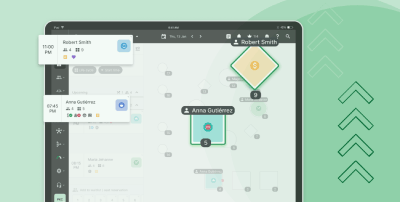
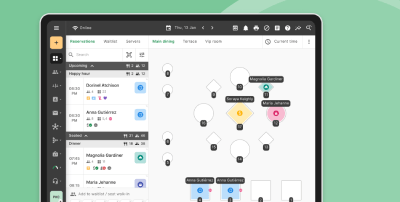
Eat App is a standout in the restaurant industry for reservation and guest analytics. Its flexible subscription options are a game-changer. This platform excels in simplifying reservation and table management with its intuitive design, making it a breeze for restaurant managers to handle bookings, guest preferences, and no-shows, ultimately improving menu performance.
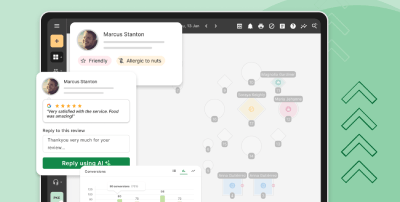
Customers can also expect 24/7 support from the team and in-depth restaurant analytics, including customer analytics for restaurants and restaurant guest analytics that empower them to improve their overall guest experience and revenue. With Eat App’s restaurant data analytics solutions, operators gain actionable insights into diner behavior, while its built-in marketing analytics help optimize promotions and campaigns.
By combining ease of use with powerful insights, Eat App goes beyond being just a reservation tool. It is a comprehensive analytics app that drives smarter decisions and long-term growth. Because reports sit on top of your restaurant CRM, guest history and spend carry through to every report.
Eat App reservation and guest reports
These are the reports restaurants open most often in Eat App's Reports & Trends:
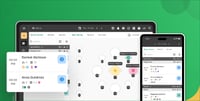
- Bookings per hour: see peak and quiet periods so you can staff and fill off-peak slots.
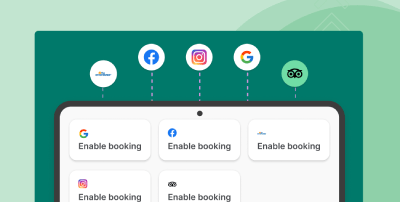
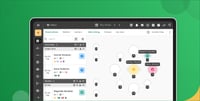
- Bookings by source: compare Google, Instagram, your website and the phone to decide where marketing budget goes.
- Guest insights: visit frequency, spend, preferences and retention for your top and loyal guests.
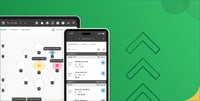
- Bookings per server: staff performance based on service metrics and pay-at-table tips.
- No-shows and cancellations: track the booking policy results that protect revenue.
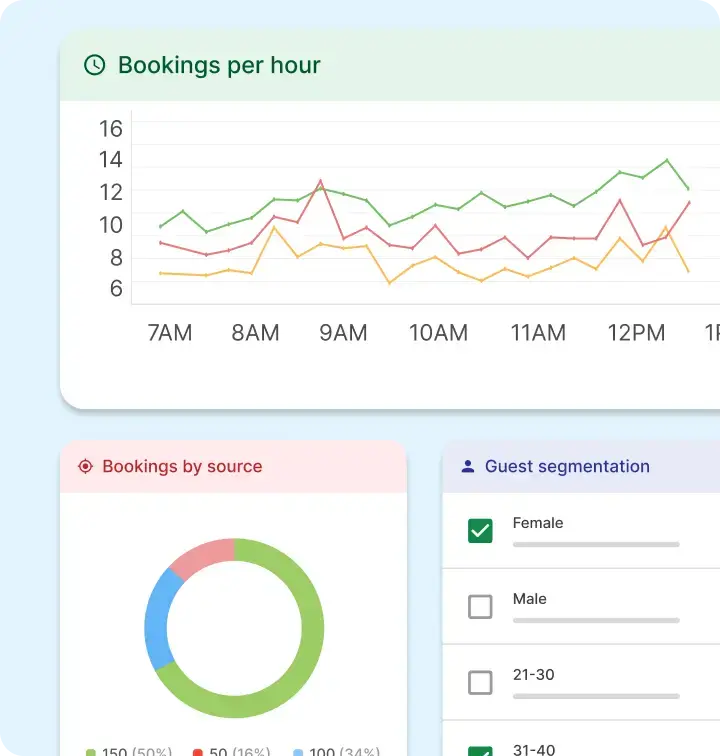
Bookings per hour report in Eat App.
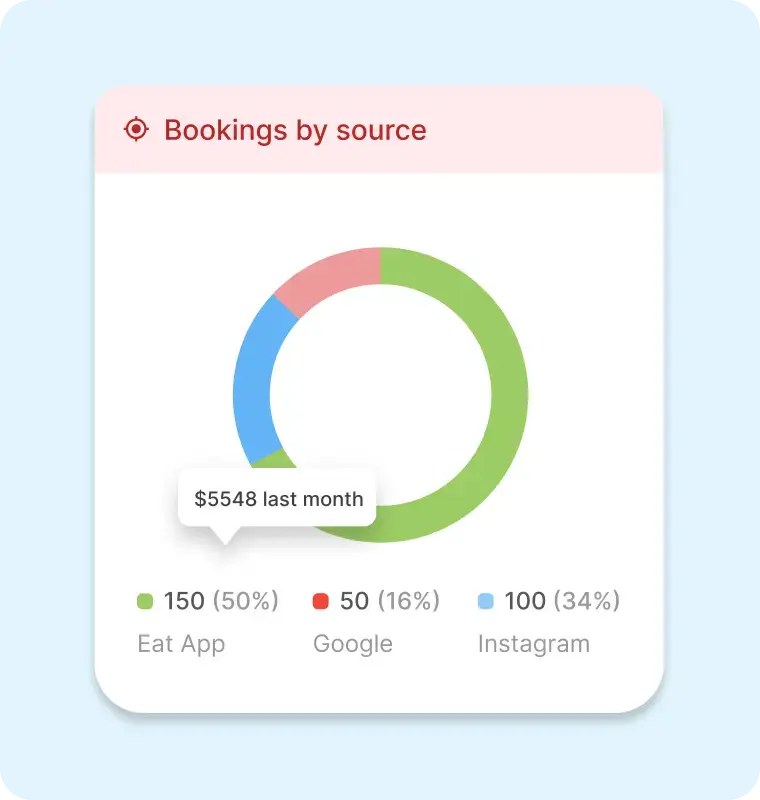
Bookings by source report, used to see which channels bring covers.
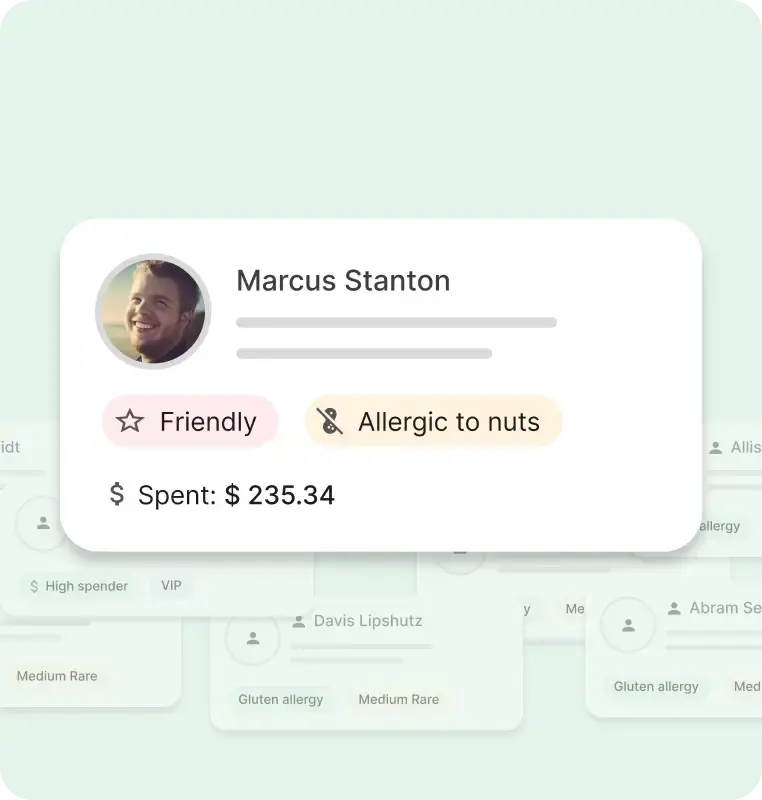
Guest insights in Eat App.
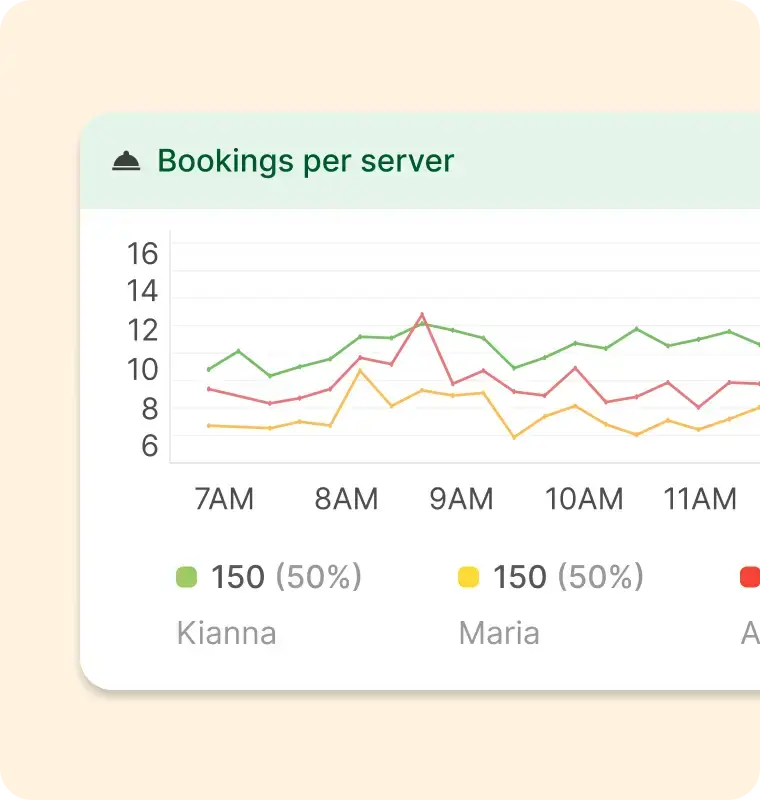
Bookings per server report for staff performance.
Eat App also integrates with POS systems, so spend data attaches to each guest record. Compare it with other tools in our guide to restaurant software, or see all of the software for restaurants Eat App offers.
Rating:
-
Price: 4.5
-
Design: 4.5
-
Customer Support: 5
-
Functionality: 4.5


We've been running multiple venues remotely thanks to Eat App — it delivers powerful visibility, automation, and control that a hospitality group really needs. Their reporting dashboard is particularly helpful — I can slice data by location, shift, guest spend, or marketing channel. These insights guide our operational decisions and boost revenue-per-cover.
Restroworks RestroBI Suite - best for enterprise chains
Price: Contact for pricing
Specifications:
-
Integration with existing POS systems
-
Advanced inventory management
Pros:
-
Strong integration capabilities
-
Highly scalable
-
Advanced inventory management
Cons:
-
Steep learning curve
-
Initial setup complexity
For enterprise chains, Restroworks RestroBI Suite offers a unified platform that:
-
Integrates restaurant management and analytics, improving decision-making
-
Strongly integrates with existing POS systems, crucial for centralizing restaurant data and improving reporting accuracy
-
It's particularly well-suited for multi-location restaurants and cloud kitchens
The Restroworks RestroBI Suite is recognized for its scalability, making it suitable for large-scale restaurant operations. However, many users highlight that its initial setup can be complex and that the platform comes with a steep learning curve.
While it offers robust analytics features as an analytics app, the time and effort required to get the most out of the system can be a challenge for busy operators. Its ability to deliver customer analytics for restaurants, restaurant data analytics solutions, restaurant guest analytics, and even marketing analytics is valuable, but often requires significant training and resources to manage effectively.
Rating:
-
Price: 4.0
-
Design: 4.2
-
Customer Support: 3.8
-
Functionality: 4.5

Did you know?
Eat App Analytics helps hospitality groups improve performance by consolidating data across venues, highlighting top performers, and identifying areas for growth. With insights into key metrics like reservations, guest behavior, and revenue trends, groups can make smarter, data-driven decisions that boost efficiency, improve guest experiences, and drive consistent success across all locations.
Toast POS - Best for small businesses

Price (checked November 10, 2026): Starter Kit $0/month and Point of Sale from $69/month for eligible new customers, per Toast. Hardware, extra devices, add-ons and payment processing are quoted separately.
Specifications:
-
Integrated POS with analytics
-
Curbside pickup and online orders and online ordering
Pros:
-
User-friendly interface
-
Seamless integration with third-party platforms
-
Robust features for small businesses
Cons:
-
Hardware, add-ons and processing raise the real monthly cost
-
Vulnerable to internet outages
Toast POS is a highly recommended choice for small and medium businesses looking for the best pos system with analytics. Its intuitive interface ensures faster transactions and fewer errors, enhancing the overall experience for restaurant staff and customers alike. The seamless integration with online ordering platforms and curbside pickup options makes it an ideal solution for modern restaurant operations, especially when utilizing the restaurant’s pos system.
However, users have reported that total costs climb once hardware, add-ons and processing are included, along with occasional issues with customer service. Despite these cons, Toast POS’s reporting system, though sometimes difficult to customize, offers valuable insights into sales trends and operational metrics.
Rating:
-
Price: 3.5
-
Design: 4.5
-
Customer Support: 3.0
-
Functionality: 4.3
Pro tip
Eat App seamlessly integrates with most POS systems, giving you a complete overview of your venue’s performance. By connecting reservations with sales data, you gain powerful insights into guest spend, revenue trends, and operational efficiency, all in one place for smarter decision-making and stronger results.
Restaurant365 - Best all-in-one solution
Price (checked November 10, 2026): Essential from $499/month and Professional $749/month, per its Capterra listing. Confirm with Restaurant365.
Specifications:
-
Integrated accounting system
-
Real-time inventory counts
Pros:
-
Comprehensive financial insights
-
Seamless POS integration
-
Centralized control over operations
Cons:
-
Limited customization for reports
-
Occasional system slowness
Restaurant365 stands out as the best all-in-one solution, providing deep financial insights, robust inventory management, and labor tools. Users appreciate its seamless integration with restaurant pos systems, offering real-time inventory counts and simplified reporting. It acts as a single source of truth across costs, sales, and operations.
However, the platform has limited customization options for reports, and users have noted occasional slowness when handling large datasets. Despite these issues, restaurant owners will find that Restaurant365 is ideal for full-service and multi-location operations, providing centralized control over financials and back-of-house operations with multi-location support for the restaurant manager.
Rating:
-
Price: 4.0
-
Design: 4.2
-
Customer Support: 3.8
-
Functionality: 4.5
Pro tip
Eat App’s customizable dashboards let you focus on the metrics that matter most to your business. From reservations and revenue to guest behavior and staff performance, you can customise your view to track key insights in real time, ensuring smarter decisions and improved efficiency across your venue or group.
Tock - Best for unique dining experiences

Price (checked November 10, 2026): Tock does not publish a rate card. The Tock-powered tiers sold through Resy start at $289/month, so confirm Tock's own pricing with their sales team.
Specifications:
-
Multi-channel booking system
-
Ticketed event management
Pros:
-
Innovative ticket-based model
-
Supports multi-channel booking
-
Enhances unique dining experiences
Cons:
-
Unintuitive interface
-
Limited customer service access
Tock specializes in managing unique reservations and culinary experiences through its innovative ticket-based model. The platform supports multi-channel booking, enabling customers to reserve tables through various platforms, including social media. This feature is particularly beneficial for restaurants looking to offer special gatherings or themed dinners.
However, users have noted challenges with Tock’s interface, describing it as sleek but sometimes unintuitive, with a steep learning curve. A notable downside is the limited customer service access, which users find frustrating during the booking process.
Rating:
-
Price: 4.0
-
Design: 3.8
-
Customer Support: 3.0
-
Functionality: 4.2
Oracle simphony point of sale - best for large hotel chains
Price: Contact for pricing
Specifications:
-
Cloud-based architecture
-
Multi-site reporting capabilities
Pros:
-
Highly customizable
-
Seamless integration with other systems
-
Strong reporting capabilities
Cons:
-
Complexity of setup
-
High costs for modifications and support
Oracle Simphony POS is ideal for large hotel chains, offering a comprehensive cloud-based solution designed for the hospitality industry. With its ability to integrate seamlessly with various systems, including Oracle Opera PMS and other third-party applications, Simphony POS allows businesses to manage their operations efficiently. Its reporting capabilities provide valuable insights into sales and inventory, making it easier for businesses to make informed decisions.
But, users have reported challenges with customer support and the complexity of the system, which can require significant training to navigate effectively. Despite these challenges, Oracle Simphony POS is a powerful tool for hospitality businesses looking to enhance their operational efficiency and customer experience.
Rating:
-
Price: 3.5
-
Design: 4.0
-
Customer Support: 3.3
-
Functionality: 4.5
SevenRooms - Best for guest experience management
Price (checked November 10, 2026): Quote only, with no free plan or trial.
SevenRooms combines reservations with a guest database and marketing automation, so its reports focus on guest behaviour and campaign results. See how it stacks up in our SevenRooms competitors comparison.
Pros:
-
Comprehensive suite of tools for hospitality
-
Supports direct guest relationships
-
Global client base including major brands
Cons:
-
Poor customer service
-
Quote-only pricing
SevenRooms excels in guest engagement and analytics tools, enhancing the overall guest experience in restaurants. The platform offers strengths such as reservation and guest database analytics, marketing performance insights, and understanding guest preferences. It allows restaurants to enhance customer experience through personalized outreach and behavior-based insights.
Users, on the other hand, have noted issues with cost and poor customer service. Despite these drawbacks, SevenRooms is valued for its global client base and direct guest relationship support, making it a top choice for improving customer engagement, customer loyalty, and satisfaction.
Rating:
-
Price: 3.0
-
Design: 4.2
-
Customer Support: 3.0
-
Functionality: 4.5
CrunchTime! - Best for inventory and labor management
Price (checked November 10, 2026): Quote-based and billed annually, per a third-party listing. Confirm with CrunchTime.
Specifications:
-
Real-time inventory tracking
-
Mobile app for on-the-go access
Pros:
-
User-friendly interface
-
Comprehensive reporting features
-
Seamless integration with existing systems
Cons:
-
High initial setup cost
-
Occasional system lags
CrunchTime! is a comprehensive workforce management solution designed to streamline operations in the food service industry. It focuses on:
-
Food cost
-
Labor
-
Inventory
-
Back-office reporting
The software provides tools for monitoring real-time optimal inventory levels, helping to reduce waste and optimize operations while streamlining operations with an inventory management system, inventory usage, and maintain a healthy inventory value. It is ideal for chains and growing operations.
While its user-friendly interface and comprehensive reporting features are highly praised, users have reported issues with high initial setup costs and occasional system lags. Despite these cons, CrunchTime! excels in automating purchasing, monitoring waste, and analyzing menu item profitability, which contributes to effective labor management, cost control, and cost management.
Rating:
-
Price: 4.0
-
Design: 4.0
-
Customer Support: 3.8
-
Functionality: 4.5
How to choose the right restaurant analytics software
Choosing the right restaurant analytics software can be a game-changer for your business. The most important aspects to consider include integrated restaurant business analytics tools that provide a unified view of your operations. This allows you to streamline tasks such as inventory reordering and staffing, ultimately improving your restaurant’s performance.
Key factors for effective software use include:
-
Frequent updates
-
A user-friendly dashboard, which helps track sales trends and operational metrics effectively, to boost customer satisfaction
-
Post-implementation training to ensure staff can effectively use the new software and maximize its benefits
Predictive analytics is a feature worth considering. Utilizing past data to forecast future demand optimizes labor and inventory, significantly reducing food waste. Effective inventory management can save restaurants as much as 15% on food costs.
Look for software that offers robust reporting tools, seamless integration with your existing systems, and features that align with your specific business needs. Making data-driven decisions will improve customer satisfaction and profit. Guest data matters just as much as sales data, so check that the tool builds on a proper restaurant CRM, and read our 10 ways to grow revenue with restaurant data and analytics for what to do with the numbers.
Summary
In conclusion, the right restaurant analytics software can transform your business by providing valuable insights into customer trends, sales data, and operational efficiency. From small bistros to large hotel chains, each of the tools mentioned in this guide offers unique features tailored to different types of restaurant operations.
By understanding the strengths and weaknesses of each platform, you can make an informed decision that will help you streamline operations, enhance guest satisfaction, and ultimately boost your profitability. Investing in the best restaurant management software is a step towards a more data-driven and successful future in the restaurant industry.
Frequently Asked Questions
What is restaurant analytics software?
Restaurant analytics software collects data from your reservations, POS, guest database, staff and inventory systems and turns it into reports on covers, revenue, guest behaviour and costs. It helps owners decide on staffing, marketing spend and menu changes from facts rather than instinct.
How much does restaurant analytics software cost?
It ranges from free to several hundred dollars a month per location. As of November 2026, Eat App starts at $0 and runs to $389 a month, Toast lists a $0 Starter Kit and Point of Sale from $69 a month for eligible new customers, and Restaurant365 starts around $499 a month. Enterprise tools such as Restroworks, Oracle Simphony and CrunchTime quote on request.
How can Eat App’s analytics help me increase my restaurant’s revenue?
Eat App’s advanced analytics empower restaurants with a powerful toolkit to drive growth. By analyzing key data, including guest behavior, reservation trends, labor costs, and pricing, restaurants can make strategic, data-driven decisions. Reports show that data-driven strategies can boost revenue by around 10%, reduce costs by 5%, and contribute up to a 2% increase in profits through optimized pricing alone.
READY TO TRY IT?
Turn your reservations and guest data into decisions
Start free with Eat App, or book a demo and we'll show you the reports on your own numbers.