


.svg)
.svg)














.svg)

.svg)


-2-1.webp?width=200&name=image5%20(6)-2-1.webp)
%20(1)-1.webp?width=200&name=Eat%20(57)%20(1)-1.webp)
-1.png?width=1812&height=1072&name=TripAdvisor%20%26%20More%20Bookings%20(1)-1.png)
-2.png?width=1812&height=1072&name=Google%20Bookings%20(1)-2.png)
%20(1)-1.webp?width=200&name=Eat%20(62)%20(1)-1.webp)

-1.png?width=200&name=TripAdvisor%20%26%20More%20Bookings%20(1)-1.png)
-2.png?width=200&name=Google%20Bookings%20(1)-2.png)
-1.png?width=200&name=Instagram%20Bookings%20(1)-1.png)
-1-png.webp?width=200&name=Facebook%20Integration%20Rectangle%20(1)-1-png.webp)


.webp?width=200&name=download%20(1).webp)
%20(1)-2.webp?width=200&name=Eat%20(34)%20(1)-2.webp)
%20(1)-2.webp?width=200&name=Eat%20(18)%20(1)-2.webp)






Running a restaurant means managing two parallel worlds simultaneously: the guest experience you're crafting at the front of house, and the transaction record building up in your POS. For years, those worlds have lived in separate systems, and the gap between them has cost operators time, accuracy, and revenue.
If your restaurant runs on Lightspeed Restaurant, that problem is now solved.


We built this integration because our restaurant operators kept telling us the same thing: they wanted their reservation and table management platform to actually talk to their POS — not live beside it.
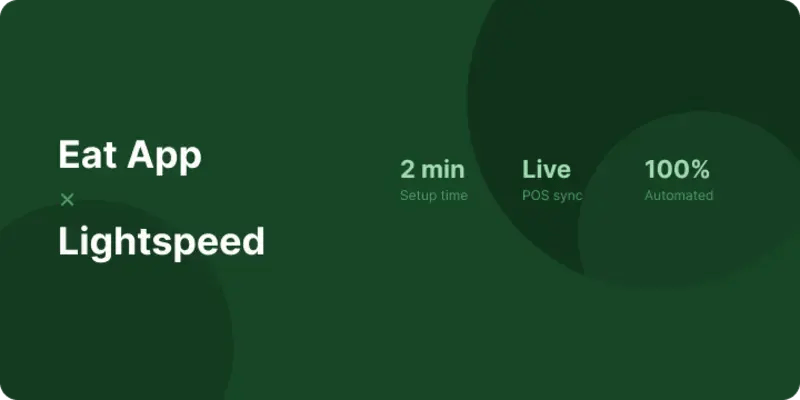
What this integration does
The Eat App × Lightspeed integration connects your reservation, waitlist, and table management workflows directly to your Lightspeed POS data.
Here's what that means in practice:
-
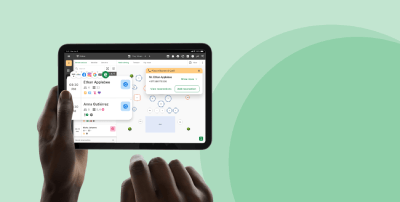
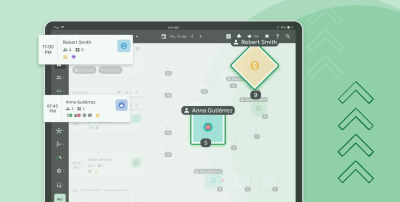
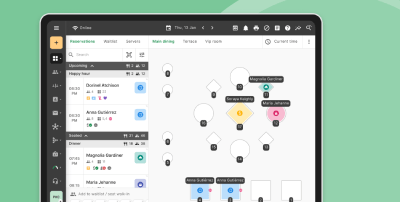
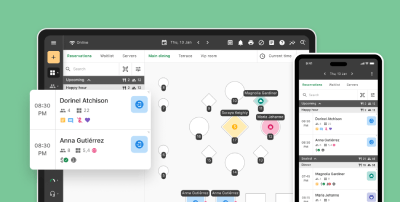
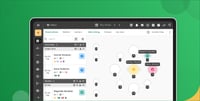
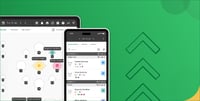
Live table status: See open checks and bill status synced directly from Lightspeed to your floor plan, no more running to the terminal.
-
Automatic turn detection: When a bill is closed in Lightspeed, Eat App instantly marks the table as available and notifies the host.
-
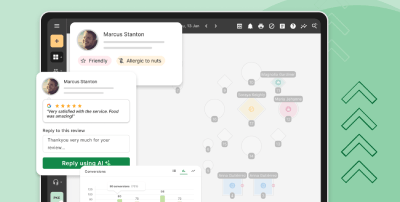
Spend data per booking: Attach revenue data to guest profiles, understand who your highest-value guests are, and reward them accordingly.
-
Smarter pacing: Use real check durations to improve reservation pacing and reduce guest wait times during peak hours.
Getting set up
Connecting Eat App to Lightspeed takes minutes, not weeks. No dev work required.
1. Sign up to Eat App here.
2. Go to Integrations in your Eat App dashboard and select Lightspeed Restaurant.
3. Authenticate your Lightspeed account using your existing credentials — single sign-on, no new logins needed.
4. Map your tables across both platforms and choose what data you want to sync.
5. Go live. Your team will see Lightspeed data flowing into Eat App in real time from the moment you connect.
Who is this for?
This integration is available to all Eat App customers running Lightspeed Restaurant (K-Series or L-Series). Whether you're a single-site independent or a multi-location group, the setup process is the same — and the impact is immediate.
Operators who handle high covers-per-night will feel it most. When your team isn't running between systems to check bill status, they're on the floor building the guest experience you've designed.


%20(1).webp?width=314&height=175&name=image%20(2)%20(1).webp)
.jpeg?width=314&height=175&name=Eat%20App%20Co-founders%20(2).jpeg)
.webp?width=314&height=175&name=Eat%20App%20Co-founders%20(1).webp)


.webp?width=144&height=72&name=Eat%20App%20Logo%20(3).webp "Eat App")