


.svg)
.svg)
















.svg)

.svg)


-2-1.webp?width=200&name=image5%20(6)-2-1.webp)
%20(1)-1.webp?width=200&name=Eat%20(57)%20(1)-1.webp)
-1.png?width=1812&height=1072&name=TripAdvisor%20%26%20More%20Bookings%20(1)-1.png)
-2.png?width=1812&height=1072&name=Google%20Bookings%20(1)-2.png)
%20(1)-1.webp?width=200&name=Eat%20(62)%20(1)-1.webp)

-1.png?width=200&name=TripAdvisor%20%26%20More%20Bookings%20(1)-1.png)
-2.png?width=200&name=Google%20Bookings%20(1)-2.png)
-1.png?width=200&name=Instagram%20Bookings%20(1)-1.png)
-1-png.webp?width=200&name=Facebook%20Integration%20Rectangle%20(1)-1-png.webp)


.webp?width=200&name=download%20(1).webp)
%20(1)-2.webp?width=200&name=Eat%20(34)%20(1)-2.webp)
%20(1)-2.webp?width=200&name=Eat%20(18)%20(1)-2.webp)







Running a small restaurant means juggling about seventeen things at once. You're managing orders, tracking inventory, handling payments, and somehow trying to remember that table six asked for extra napkins ten minutes ago. The right POS system can take at least a few of those spinning plates off your hands and help you manage your entire business more effectively.
But here's the thing: picking the best restaurant POS system for small business feels a bit like online dating. Everyone looks great on paper until you're three months in and realize they don't actually do what you need. So let's cut through the noise and look at all the POS systems that actually work for small businesses in 2026.
Quick comparison: best restaurant POS providers at a glance
Before diving into the details, here's a snapshot of the top options. Pricing and features change regularly, so these are starting points for your research.
|
POS system |
Best for |
Starting price |
|
Eat App |
All-in-one restaurant management with POS integration |
Free – $239/month |
|
Square for Restaurants |
Free POS for scaling businesses |
Free – $69/month |
|
Toast POS |
Full service restaurants |
Free – $69/month |
|
TouchBistro |
iPad-based tableside ordering |
$69/month |
|
Clover POS |
Hardware flexibility and customization |
$14.95 – $135/month |
|
SpotOn |
Staff management features |
Free – $99/month |
|
Lightspeed Restaurant |
Inventory management and multiple locations |
$69 – $189/month |
|
SumUp |
Budget-friendly option |
$99/month |
|
Lavu |
Food trucks and mobile operations |
$69/month |
|
Revel Systems |
Multi-location chains |
$99/terminal/month |
What is a restaurant POS system?
A point of sale system is essentially the brain of your restaurant's operations. It handles transactions, sends orders to the kitchen, and tracks what's selling. But modern POS software does far more than process payments—it can manage your entire business from inventory tracking to customer data collection.
The National Restaurant Association's 2024 Technology Landscape Report found that 76% of operators say technology gives them a competitive edge. And they're right. The difference between scribbling orders on a notepad and having a system that talks to your kitchen display system, tracks ingredient usage, and remembers your regulars' favorite drinks is the difference between chaos and control.
POS systems vs. all-in-one restaurant management platforms
Here's where things get interesting. A traditional point of sale system handles the basics: you ring up orders, process payments, and maybe get some reports. Think of it like a really smart cash register.
An all-in-one restaurant management platform, on the other hand, handles the entire guest journey. We're talking reservations, table management, guest CRM, marketing automation, and POS integration all working together. Instead of having five different apps that don't talk to each other, you get one dashboard that tracks customer data from the moment they book online to the follow-up email asking how their anniversary dinner went.
For small restaurants with tight margins and limited staff, having everything in one place can save hours every week. Restaurant owners who've switched from juggling multiple POS solutions to a single platform rarely look back.
10 best restaurant POS systems for small businesses
1. Eat App – best all-in-one restaurant management platform
.webp?width=640&height=348&name=Product%20Banner%204%20(1).webp)
Eat App takes a different approach than most POS providers. Instead of building outward from payment processing, they built a complete restaurant management platform that integrates with your current POS system or works alongside it.
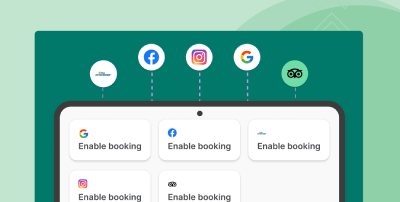
What makes this interesting for small restaurants is the commission-free reservations. If you've ever used certain booking platforms and watched per-cover fees eat into your margins, you know how quickly those add up. Eat App lets you accept bookings from Google, Instagram, and your website without those sneaky charges.
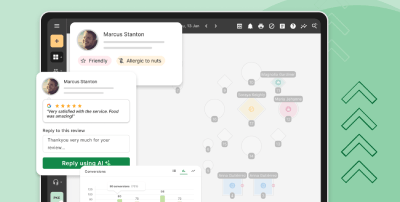
The guest CRM automatically builds profiles with preferences, visit history, and spend data. So when Mrs. Patterson comes in for her monthly dinner, your host actually knows she always asks for the booth by the window and her husband is allergic to shellfish. That kind of customer engagement features used to require a veteran staff member with an elephant's memory. Now it's just there in the system.
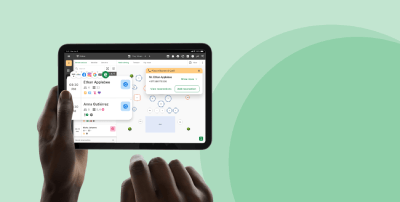
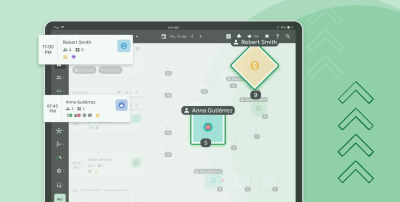
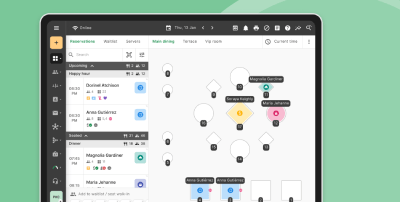
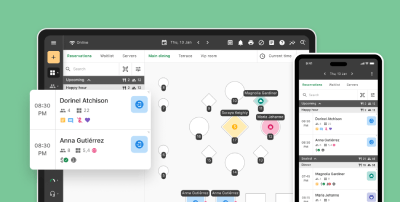
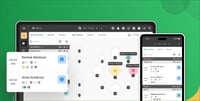
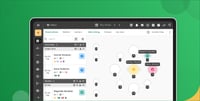
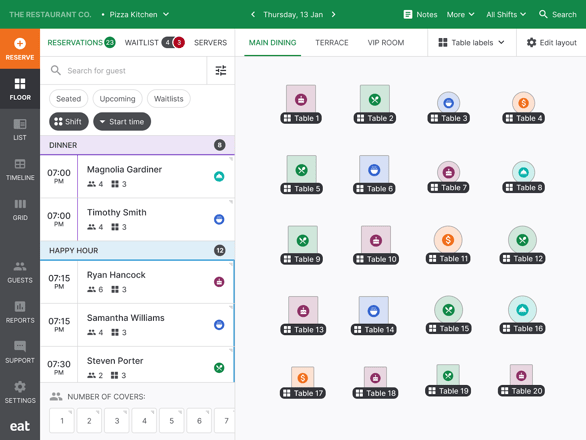
The platform includes visual floor plans for table management, automated seating optimization, and real-time availability. The marketing automation handles email and SMS campaigns, sends booking confirmations through WhatsApp, and can even collect reviews automatically. These customer loyalty programs and engagement tools set Eat App apart from other POS systems focused purely on transactions.
For the no-show problem that plagues restaurant owners everywhere, Eat App offers deposits, pre-payments, and automated reminders. Managing waitlists becomes less chaotic too.
Pricing: Free tier available, with paid plans at $69, $139, or $239 per month. The free plan includes reservation management and basic table management.
Best for: Small to mid-sized restaurants wanting to manage reservations, guest relationships, and operations in one system while keeping their current POS for transactions.
2. Square POS for Restaurants – best free POS for small restaurants
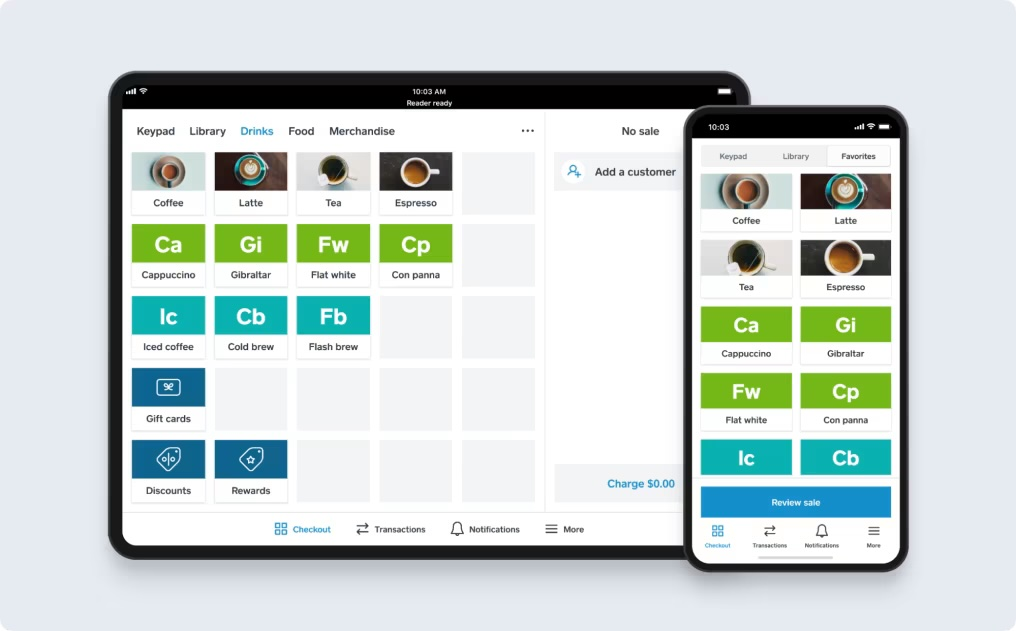
Square POS basically wrote the playbook on making payment processing accessible for small businesses. Their restaurant-specific point of sale system works for everything from food trucks to sit down restaurants.
The free plan gives you a functioning restaurant POS with menu management, basic reporting, and payment processing. You'll pay transaction fees instead of monthly fees, which works well if you're starting out or running a smaller operation.
The flexible hardware options are impressive too. You can use your own hardware like an iPad POS setup, grab a Square terminal, or build out a full system with a cash drawer, receipt printer, and kitchen display system. SpotOn's restaurant POS offers similar flexibility, but Square's free tier is hard to beat when you're watching every dollar.
What Square POS does particularly well is online ordering integration. Orders from your website flow directly into your POS system, which means fewer mistakes and faster service. They've also got a reliable offline mode—when your internet access decides to take a vacation during the dinner rush, you can still process payments without interruption.
Pricing: Free basic plan, Plus at $60/month per location, Premium with custom pricing. Processing fees apply.
Best for: New restaurants, cafes, food trucks, and small restaurants that want a user friendly system without monthly fees.
3. Toast POS – best for full service restaurants
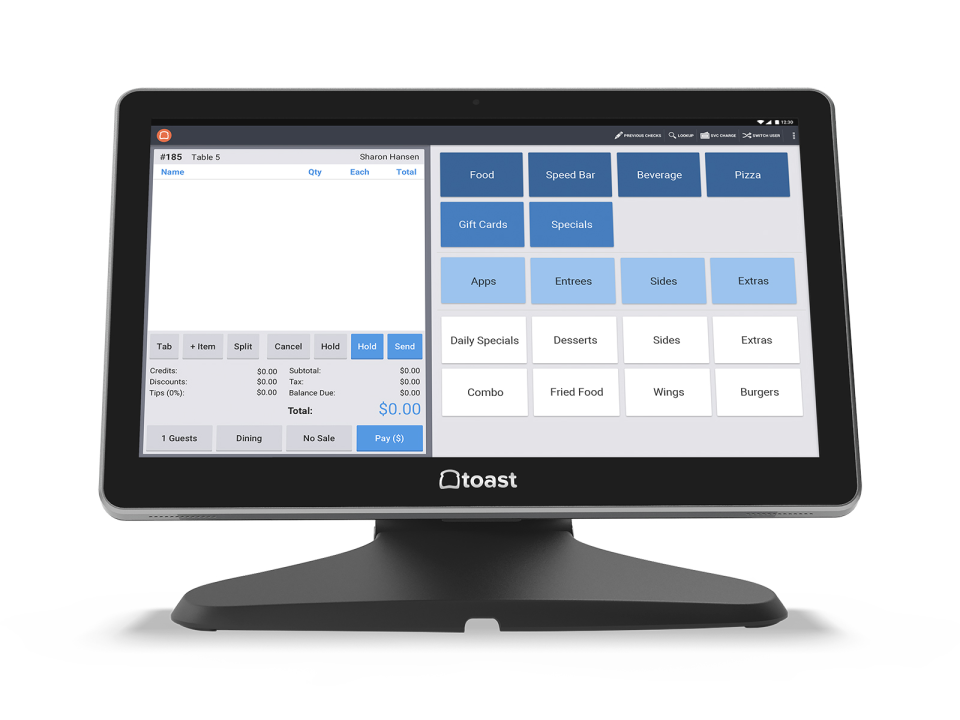
Toast built its entire business around restaurants, and it shows. The best POS system for full service restaurants is designed for the specific chaos of a busy dining room, with POS features like tableside ordering, menu modifications, and tip management baked right in.
According to a 2025 Square report, 85% of restaurant leaders are looking to invest in technology this year. Toast has positioned themselves to capture that market with restaurant-specific tools like kitchen display systems, automated tip sharing, and detailed profit management tools.
The handheld POS devices let servers take orders and process payments tableside. No more running back and forth to a central terminal while your guests wait. For full service restaurants, that efficiency translates directly into faster table turns and better tips. The handheld POS system also captures customer data that feeds into Toast's reporting.
Toast's inventory management tools include low stock alerts and the ability to track ingredient usage down to individual recipes. If you're running complex operations with lots of menu items, that level of in depth inventory management helps control food costs.
Pricing: Starter kit free (pay-as-you-go processing), Core at $69/month. Two-year contracts are standard, and you're required to use Toast's payment processing.
Best for: Full service restaurants that want an integrated, restaurant-first system and don't mind being locked into the Toast ecosystem.
4. TouchBistro – best iPad POS system
TouchBistro runs on iPads, which makes setup relatively painless if you're not particularly tech-savvy. The interface is clean, and new staff can usually get comfortable with the new POS system in just a few minutes.
As Andy Freivogel, CEO of Science On Call, notes from analyzing thousands of restaurant IT tickets, most POS hardware issues come down to basics like connectivity and cables. TouchBistro's iPad POS approach simplifies the professional restaurant hardware equation considerably.
The tableside ordering feature speeds up service and reduces errors. Servers input orders directly at the table, they go straight to the kitchen, and everyone's on the same page. It's particularly good for restaurants where menu customization is common—all those modifications get captured correctly the first time.
Floor plans let you manage your dining room visually, and the reservation system handles online bookings. The reporting gives you a clear picture of your best sellers, peak hours, and staff performance. For restaurant owners who want more advanced features, TouchBistro offers add-on modules for customer loyalty and inventory tracking.
Pricing: Starting at $69/month for the POS software. Hardware sold separately, and some features require additional modules.
Best for: Small to mid-sized restaurants that want an intuitive iPad-based system with solid tableside ordering capabilities.
5. Clover POS – best for hardware and customization
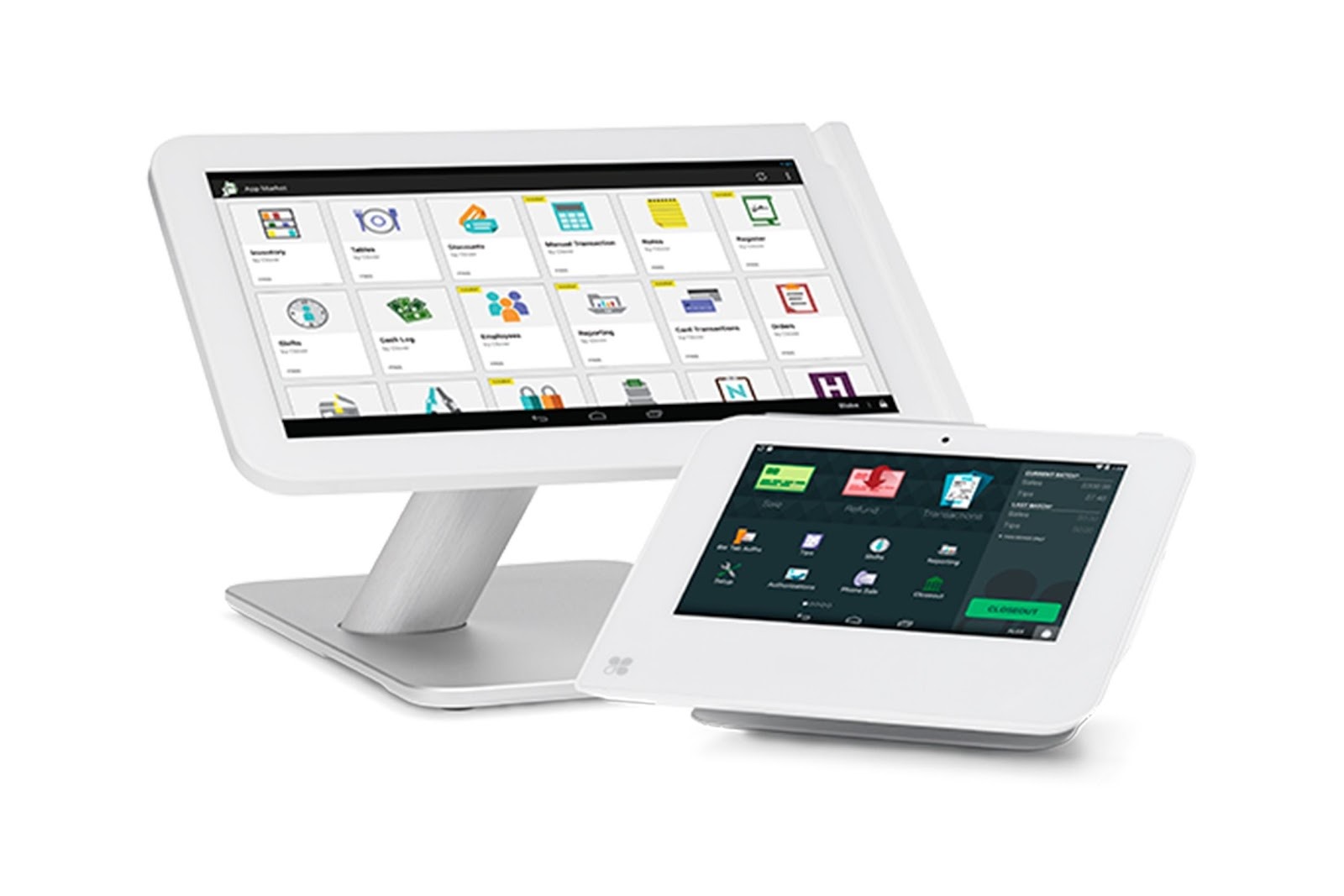
Clover takes a modular approach. Rather than offering a single POS solution, they provide a platform with various hardware bundles and a massive app marketplace where you add the POS features you need.
Want in depth inventory management? There's an app for that. Need customer loyalty programs? Add it. You're not paying for features you don't use, but you're responsible for building out your system. This flexibility makes Clover popular with both service businesses and retail business owners who serve food.
The professional restaurant hardware is solid—sturdy POS terminals, reliable barcode scanners, and a customer display option that lets guests see their order as it's entered. Processing fees vary by plan, so calculate your specific costs.
Pricing: Starting at $14.95/month, up to $135/month for advanced features. POS hardware costs extra.
Best for: Restaurant owners who want to customize their system.
6. SpotOn's restaurant POS – best for staff management
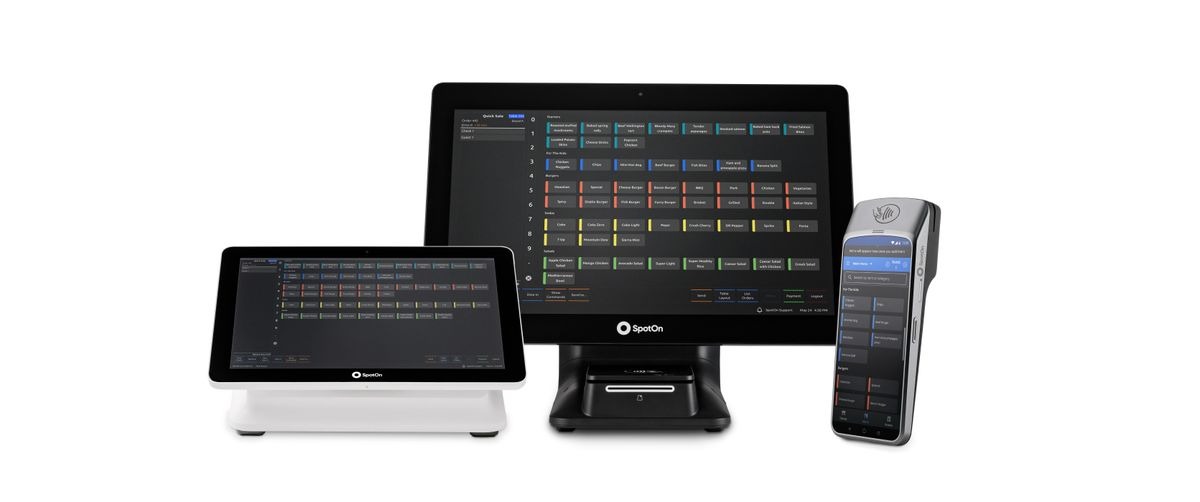
SpotOn has become a serious player, particularly for restaurants struggling with scheduling and labor costs. Their staff management tools go beyond basic timekeeping into performance tracking and labor cost forecasting.
The restaurant POS handles all standard operations—order entry, payment processing, kitchen communication—and tracks in store sales alongside online ordering. SpotOn's restaurant POS really shines at helping you optimize staffing levels. Online ordering and delivery apps integrate smoothly without creating duplicate work.
Pricing: Free basic plan, paid plans starting around $99/month.
Best for: Restaurants where labor costs are eating into margins.
7. Lightspeed Restaurant – best for inventory management
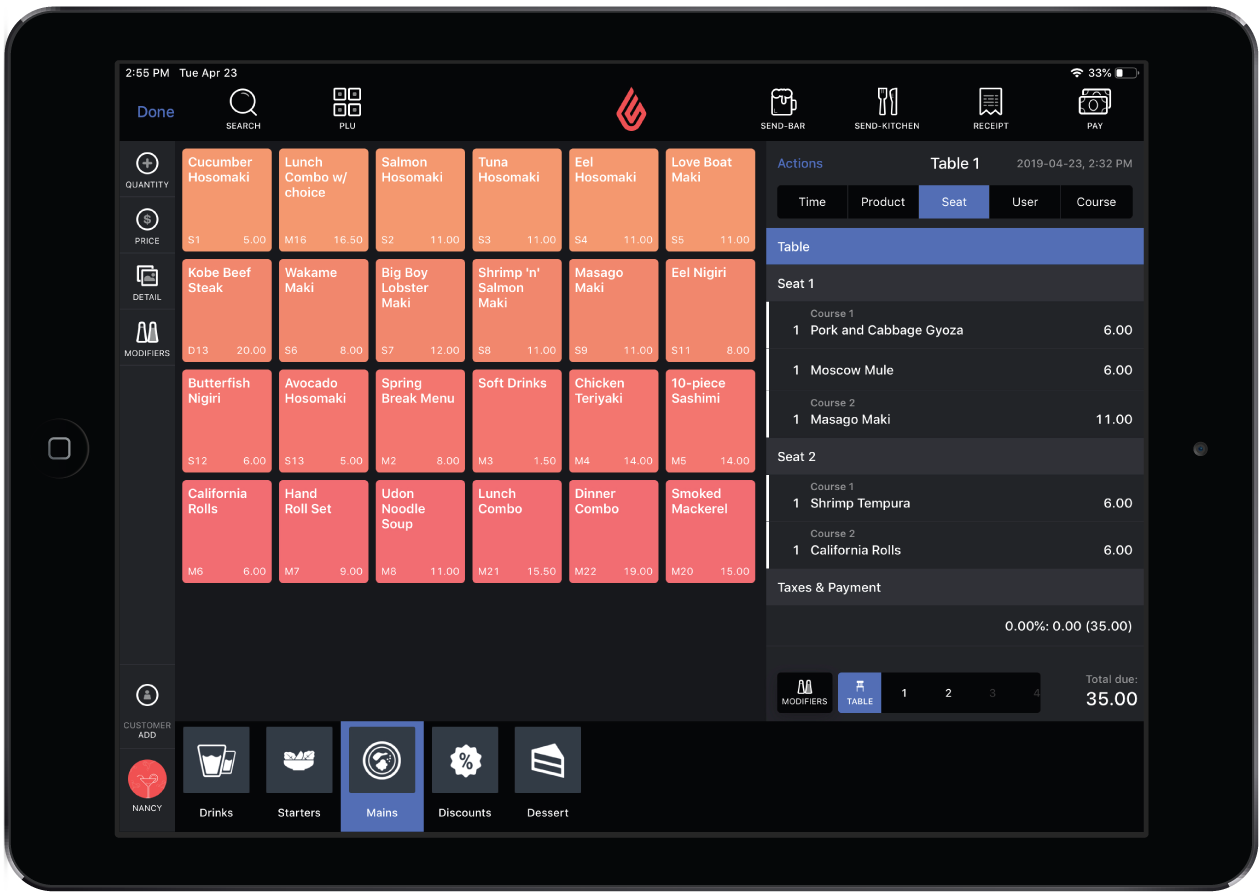
If inventory tracking matters to your bottom line, Lightspeed deserves a serious look. Their inventory management goes deep—low stock alerts, supplier management, and the ability to track ingredient usage down to where your food costs are leaking.
For restaurants with multiple locations, Lightspeed provides centralized control while letting individual locations operate with some autonomy. Integration with accounting software means less manual data entry at month end. The advanced features make it popular with multi location chains that need consistent operations.
Pricing: Starting at $69/month for basic, up to $189/month for more advanced features.
Best for: Restaurants with complex operations, significant inventory challenges, or multiple locations.
8. SumUp – best budget-friendly option
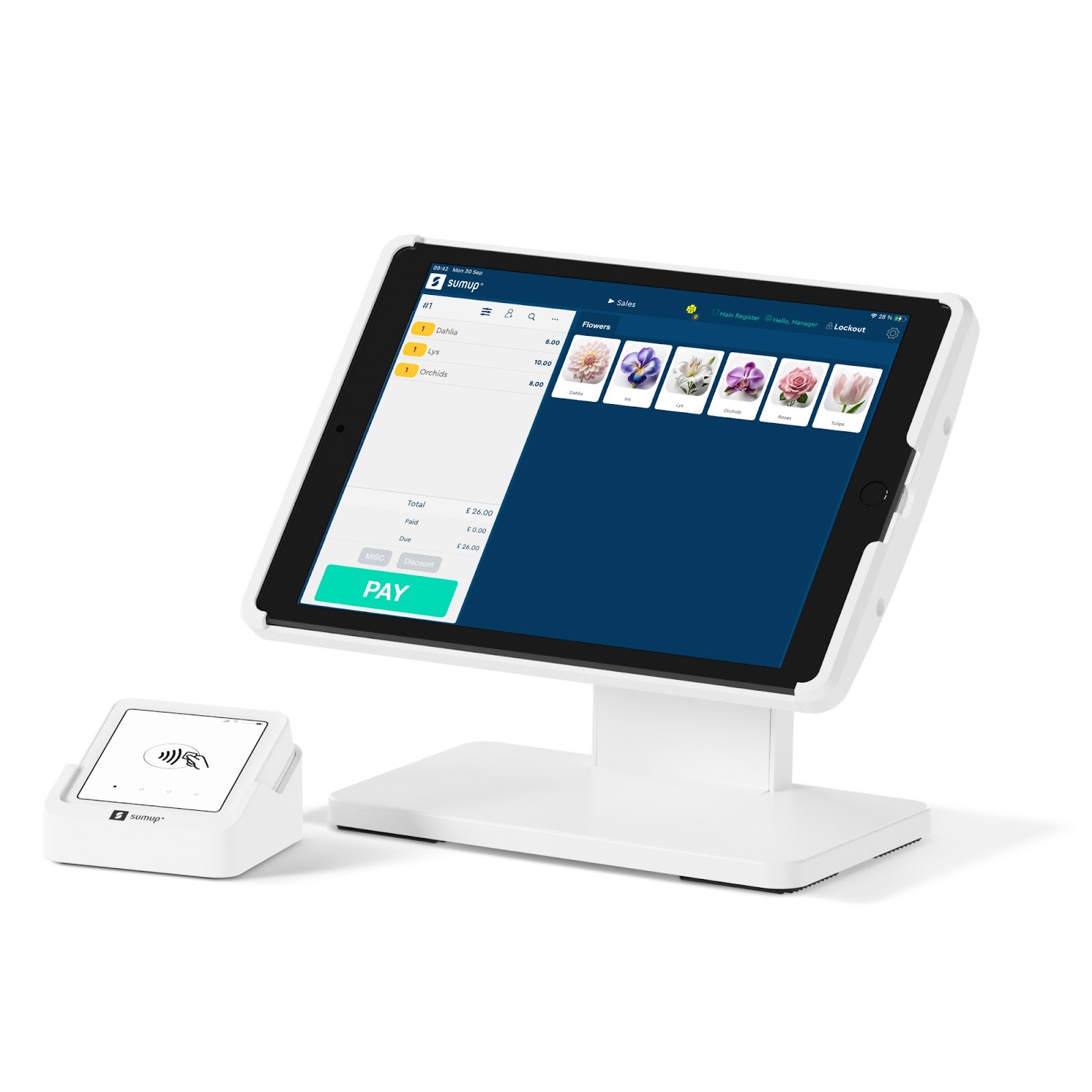
Not every small restaurant needs bells and whistles. Sometimes you just need something that works and won't break your budget.
SumUp handles the basics—order entry, payment processing, simple reporting—without trying to be everything. Setup takes just a few minutes, and the learning curve is nearly flat. The portable card reader works great for farmers markets, pop-ups, or testing the waters with technology. You can use your own hardware to keep costs down.
Pricing: Starting at $99/month. Transaction fees apply.
Best for: Small restaurants and cafes wanting straightforward functionality at a low price.
9. Lavu – best for food trucks

Food trucks need POS systems that work in unreliable conditions and handle the rapid-fire pace of a lunch rush. Lavu built their mobile capabilities with these challenges in mind.
The reliable offline mode actually works—take orders and process payments even when cell service disappears. Everything syncs when your internet access returns. The interface is optimized for speed, making it easy to get through a line of hungry customers without missing a beat.
Pricing: Starting at $69/month. Portable hardware options available.
Best for: Food trucks and mobile food businesses needing reliable offline mode.
10. Revel Systems – best for multi-location chains
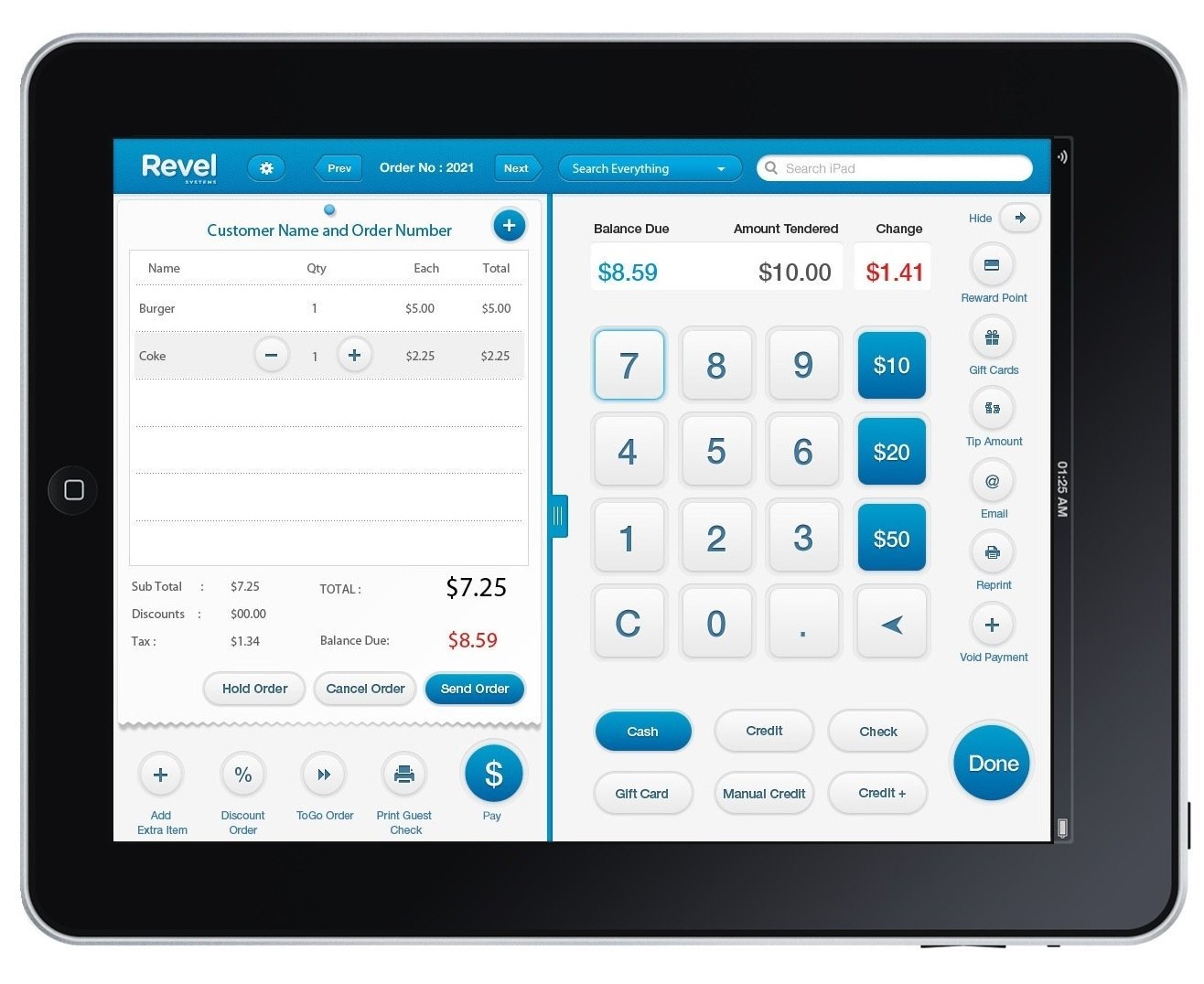
When you've grown beyond a single location and need consistency across sites, Revel provides enterprise-level tools that growing multi location chains can afford.
The platform centralizes menu management, pricing, and promotions while giving individual locations operational flexibility. Reporting aggregates customer data across locations for performance comparison and trend analysis.
The self service kiosk options integrate directly with the POS, reducing labor costs during peak periods. How many POS terminals you need depends on your layout, and Revel scales accordingly.
Pricing: Starting at $99 per terminal per month. Custom pricing available for larger deployments.
Best for: Restaurant groups with multiple locations needing centralized management.
How to choose the right POS system for your small restaurant
Assess your restaurant type and needs: A coffee shop doing 200 transactions before noon has different needs than a fine dining spot doing 30 covers a night. Consider how many POS terminals you need, whether servers will use handheld devices, and what integrations matter for your entire business.
All-in-one vs. standalone: If you're using separate systems for reservations, email marketing, and customer management, an all-in-one platform like Eat App can consolidate everything. If you just need payment processing and order management, a standalone restaurant POS might be simpler.
Evaluate pricing carefully: Some POS providers advertise low monthly fees but make money on processing fees. Others charge more upfront with lower transaction fees. Ask about monthly fees, processing fees, POS hardware costs, contracts, and hidden charges before committing to a new POS system.
How much does a restaurant POS system cost?
Monthly fees range from free (Square, Toast Starter, Eat App basic) to $200+ for advanced features. Most small businesses pay $60-150/month for their POS software.
Transaction fees run 2.5-3.5% plus a per-transaction fee for card payments. Cash payments avoid these processing fees entirely.
POS hardware costs vary widely. A basic iPad POS setup costs $300-500, while a full system with POS terminals, receipt printer, cash drawer, and kitchen display system can hit $1,500-2,500 per station.
Conclusion: which restaurant POS system is right for your small business?
The best restaurant POS system is the one that solves your specific problems without creating new ones. If you're drowning in no-shows and struggling to build customer loyalty, an all-in-one platform like Eat App will have more impact than another transaction processor.
If your operations are straightforward and you mainly need reliable payment processing, Square POS or Toast will serve you well. And if you've got complex operations with significant inventory challenges or multiple locations, Lightspeed or Revel might be worth the investment.
Whatever you choose, remember that the right POS system is supposed to make your life easier—not add another layer of complications to your already full plate.
Ready to see how an all-in-one approach can simplify your operations? Try Eat App free for 14 days—no credit card required.
Frequently asked questions
What is the best POS system for a small restaurant?
Eat App offers the most complete POS solution because it combines reservation management, table management, guest CRM, and marketing with POS integration. For transaction-only needs, Square's free plan works well for small businesses.
How much does a restaurant POS system cost?
Monthly fees range from free to $300+. Eat App starts at $0/month with paid plans at $69-$239/month. POS hardware costs $0-$2,000+ depending on setup.
Can I use a free POS system for my restaurant?
Yes. Square, Toast, SpotOn, and Eat App all offer free tiers with transaction fees instead of monthly fees. These free plan options include basic POS features.
How do I reduce no-shows at my restaurant?
Use automated reminders via SMS, email, and WhatsApp. Collecting deposits also helps. Eat App addresses this with confirmation messages and prepayment options that integrate with your point of sale system.



.webp?width=314&height=175&name=e265983a-8353-4fcb-a530-cd2601c4df5d%20(1).webp)



.webp?width=144&height=72&name=Eat%20App%20Logo%20(3).webp "Eat App")